Equipment Setup Guide
This guide is intended to help you get your SaffireTix rental equipment set up and ready to go for your event. If you have questions, please reach out to Saffire Support via the orange button below or email support@saffire.com.
|
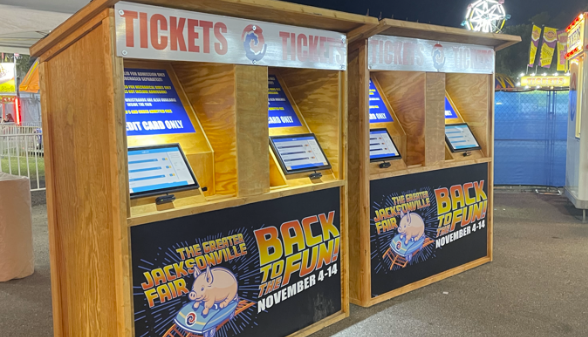
Kiosk Equipment Setup |
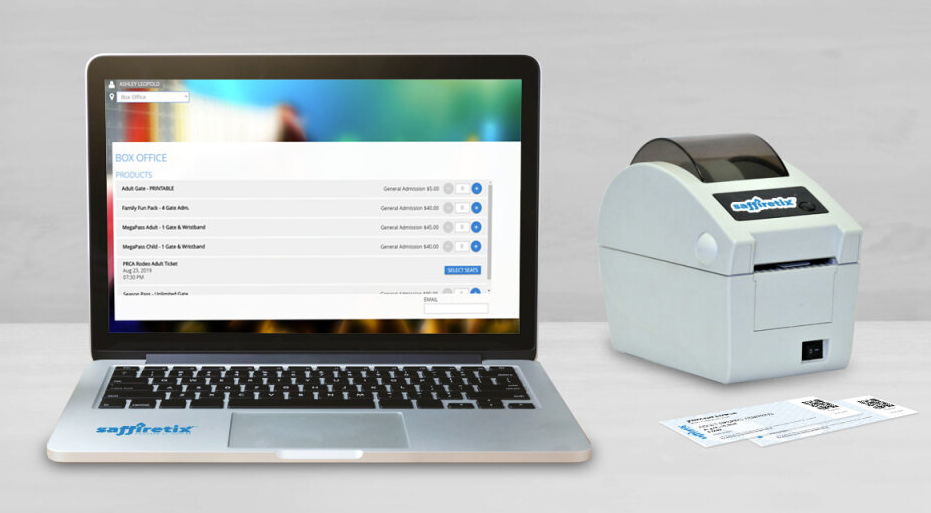
Laptop Station Equipment Setup |
|---|---|
| Setting up your SaffireTix Kiosk equipment | Setting up your SaffireTix Laptop Kit for box office sales |
|
|
|
| Kiosk Equipment Overview | Box Office Equipment Overview |
| Kiosk Onsite Setup | Laptop Setup |
| Printers Guide | Printers Guide |
| Credit Card Reader Guide | Dynaflex PED Card Reader Setup |
| Kiosk Enclosure Building Guide | Setting up Windows for Box Office |
| Kiosk Troubleshooting | Microcom 520 User Guide |
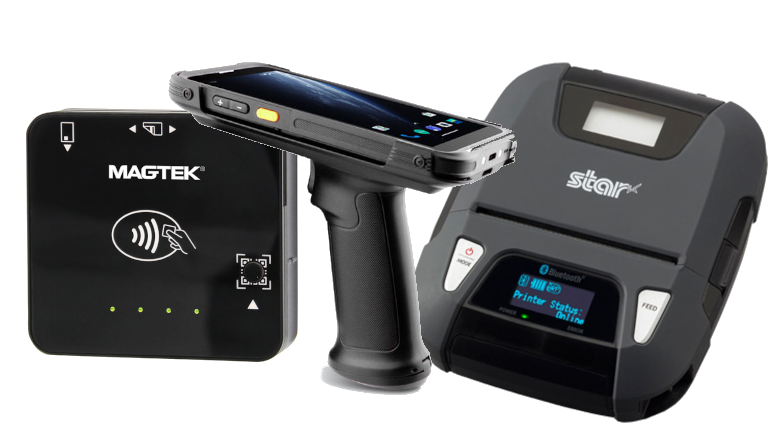
| Mobile Equipment Setup | Equipment Packup, Return Shipping, & Trainings |
|---|---|
|
|
|
| Mobile Equipment Overview | Equipment Prep and Packing Up |
| Chainway User Guide | Equipment Return Guide |
| Credit Card Reader Guide | SaffireTix Trainings for Admins |
| Printers Guide | SaffireTix Trainings for Event Staff |
| User Management (Set up App Login PINs) |
|