Purchasing Equipment
IN THIS ARTICLE
Renting vs. Purchasing SaffireTix Equipment
Purchasing Equipment Peripherals
General Equipment Accessories
RELATED ARTICLES
Equipment Overview
Mobile Equipment Guide
Box Office Equipment Guide
Kiosk Equipment Guide
Kiosk Enclosure Building Guide
Renting vs. Purchasing SaffireTix Equipment
Saffire offers rentals of SaffireTix equipment for selling and scanning tickets at your events. Some clients, however, choose to purchase their own equipment to keep onsite year-round. Saffire is happy to facilitate these purchases and, in some cases, may be able to secure better pricing on equipment for you.
That said, there are several important considerations to keep in mind when deciding whether to purchase your own equipment instead of using Saffire’s rental fleet:
1. Potential equipment changes and obsolescence
From time to time, changes may occur in the hardware Saffire is able to support on our platform. These changes are not always within Saffire’s control and could require the purchase of new or different equipment. When you own your hardware, this introduces a risk of obsolescence that you should factor into your decision.
2. Support and management limitations
When equipment is self-owned, our support team may be limited in how deeply we can assist. You should expect your internal IT team to be more involved in setup, configuration, and ongoing maintenance. While Saffire is always available to help where possible, self-owned equipment is not part of our managed fleet. This means we may not have visibility into your specific setup, nor will our mobile device management (MDM) be in place to remotely manage software and settings.
3. Maintenance and replacement responsibility
If long-term rental hardware becomes faulty, Saffire will provide a replacement from our inventory and handle repair of the affected device. With self-owned equipment, responsibility for maintenance, repairs, and replacement rests with you as the equipment owner.
Please keep these factors in mind when deciding whether to use SaffireTix rental equipment for year-round operations or to purchase your own hardware.
If you are interested in discussing an equipment purchase, reach out to Saffire Support or your Ticketing Account Manager.
I've you've purchased Box Office or Kiosk equipment and need guidance on getting it set up for use with the Saffire platform, visit our Box Office and Kiosk PC Setup article.
Purchasing Equipment Peripherals
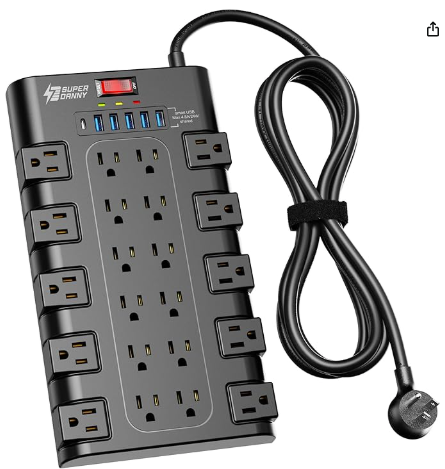
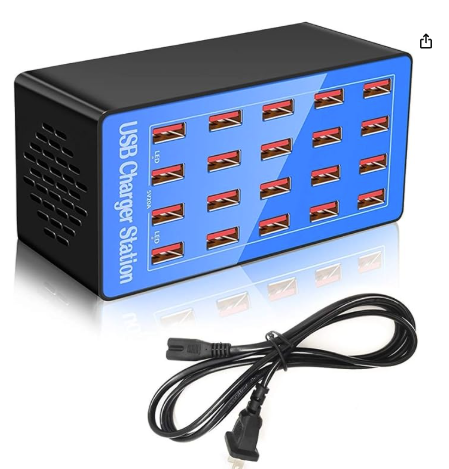
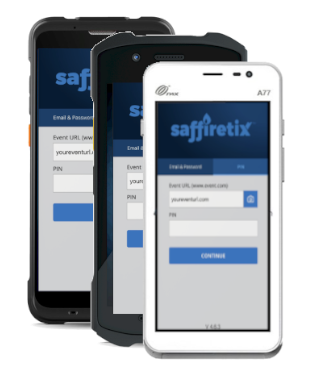
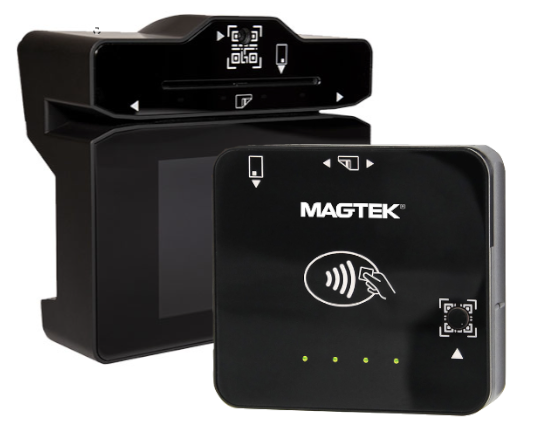
This guide is intended to help you purchase parts and accessories to supplement your self-owned fleet of devices or customizing your rental setup/mounting. If you are renting SaffireTix devices, please contact Saffire Support or your Ticketing Account Manager to discuss getting the accessories you need for your rental equipment.
If you are looking for guidance on kiosk enclosures, visit our Kiosk Enclosure Building Guide.
|
Mobile Devices |
Card Readers |
|
|
|
|
|
|
|
Charging: |
Charging (Go only): |
|
|
Data connection cable: Dynaflex Go: Short USB-C to USB-C cable Dynaflex PED: USB-C to USB-A Cable (note: select the appropriate cable for the laptop/computer you are plugging your card reader into. If you are using a SaffireTix rental laptop/PC, the above link is correct. If you need to plug this into a USB-C port, a standard USB-C to USB-C cable is needed.) |
|
|
Mounting Options (PED only): Dynaflex PED requires M4 X 0.7mm mounting screws. The maximum length internally is 8mm, however if you are putting these screws through a thicker surface like a wooden kiosk enclosure you may need a longer screw. For mounting instructions, visit our kiosk enclosure building guide or check out the Dynaflex PED hardware manual. |
|
Dynaflex II Go Mounting Clip Screws (clip not included, for replacement clips contact Saffire Support)
|
|
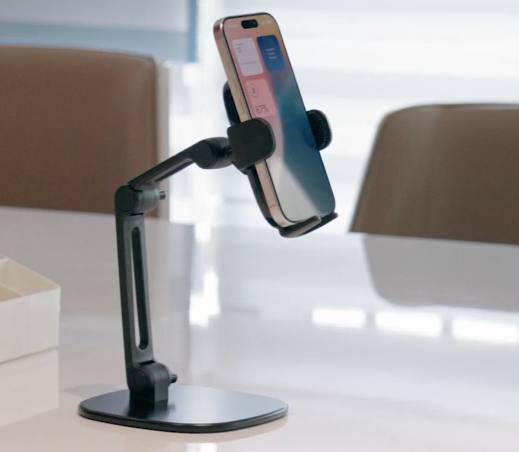
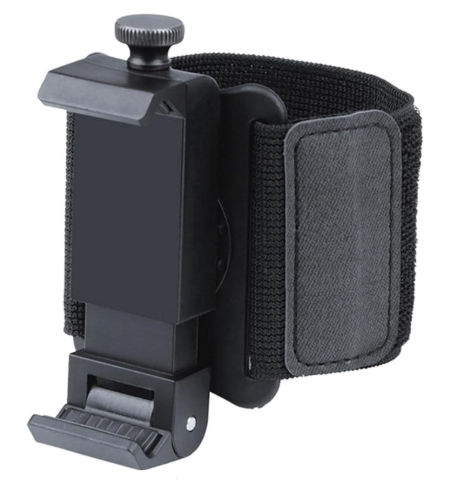
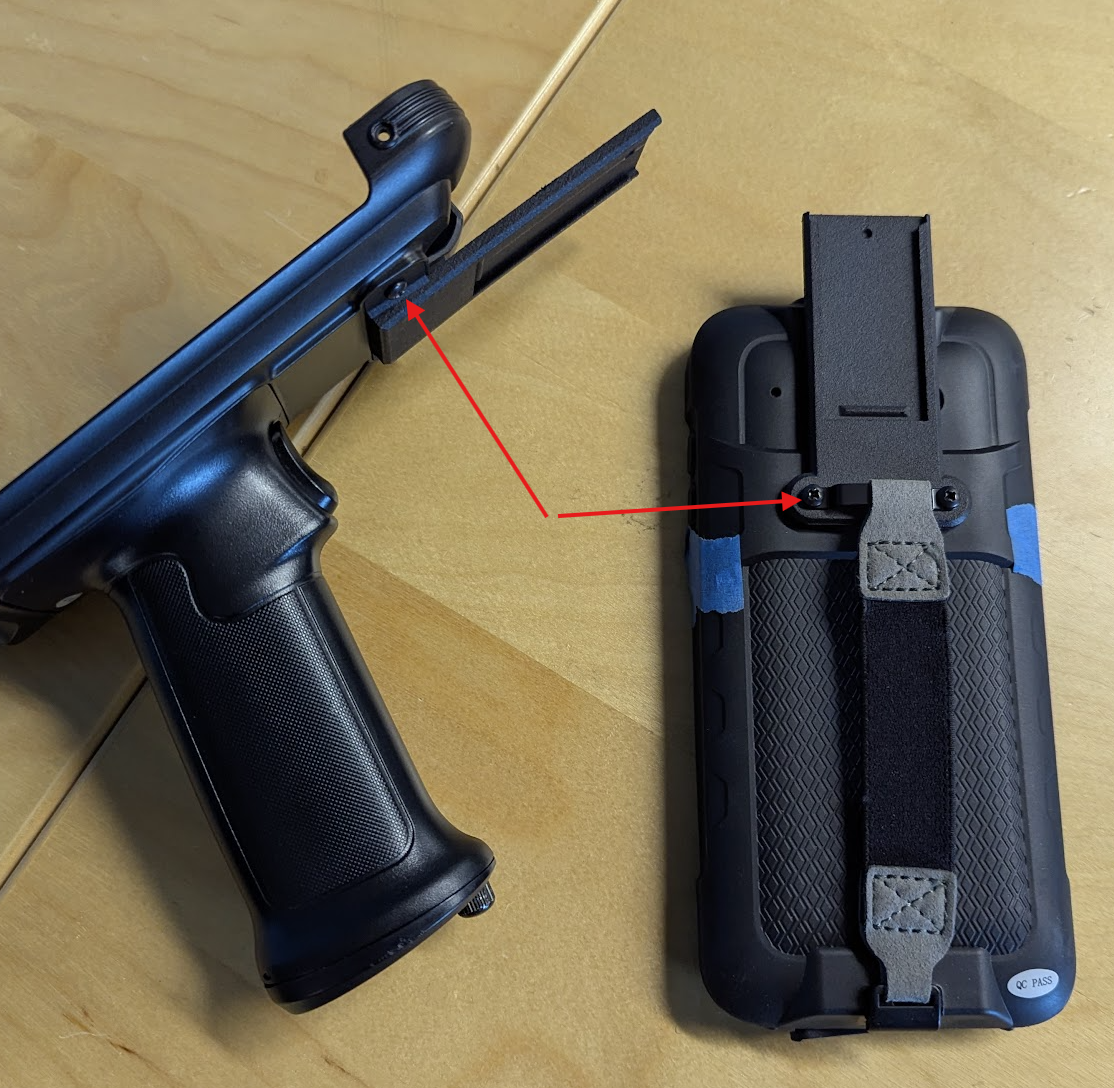
|
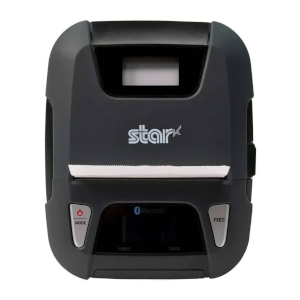
Star (Hip) Printer L300 |
Star (Hip) Printer T300i |
|
|
|
| Star Hip Printer User Guide | Star Hip Printer User Guide |
| Shoulder strap | Shoulder strap |
|
Charging: |
Charging: T300i Charging Cable (contact Saffire support for replacement) |
|
Paper Rolls: Thermal roll paper - 3.125in Width x 2.15in Diameter For further paper specs, download the L300 hardware manual. |
Paper Rolls: Thermal roll paper - 3.125in Width x 1.5in Diameter For further paper specs, download the T300i hardware manual. |

General Equipment Accessories
|
|
|