Reports - Code lookup
IN THIS ARTICLE
Finding the Ticket Code
Ticket Code Lookup
Locate in Order Lookup
RELATED ARTICLES
The SaffireTix Code Lookup tool allows you to find the status and full scan history of any ticket by looking up the QR code that has been created in Spark. This allows you to check the redemption history including if the ticket has already been fully redeemed.
You can find this page under Commerce> Reports > Code Lookup.
Finding the Ticket Code
There are several places you can look for a ticket code:
Printed Tickets
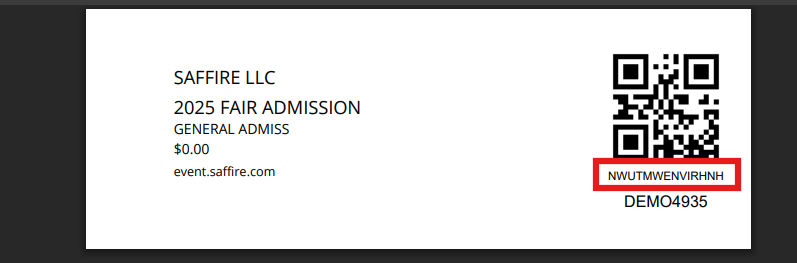
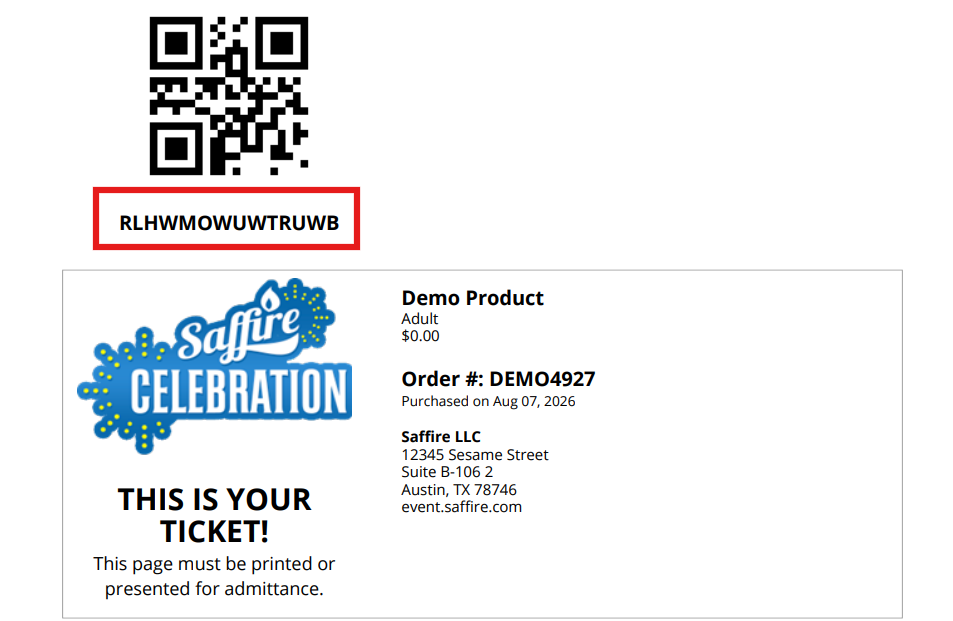
On a printed ticket, the Ticket Code is located directly beneath the QR code:
Ticket Code Lookup
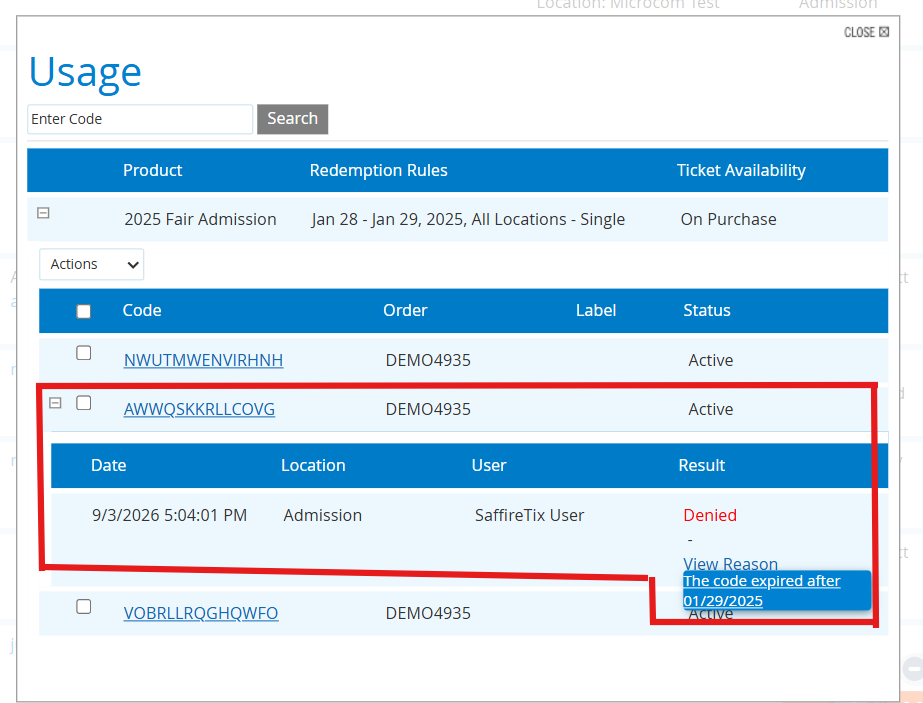
Once you know the QR Code, you can look it up in the search box. If the QR code has been created in the system, it will display that QR code's entire history; the product status, redemption rules, and each time that code has been scanned with the result of the scan.
Hovering over View Reason on a failed scan will show you the fail reason.

Locate in Order Lookup
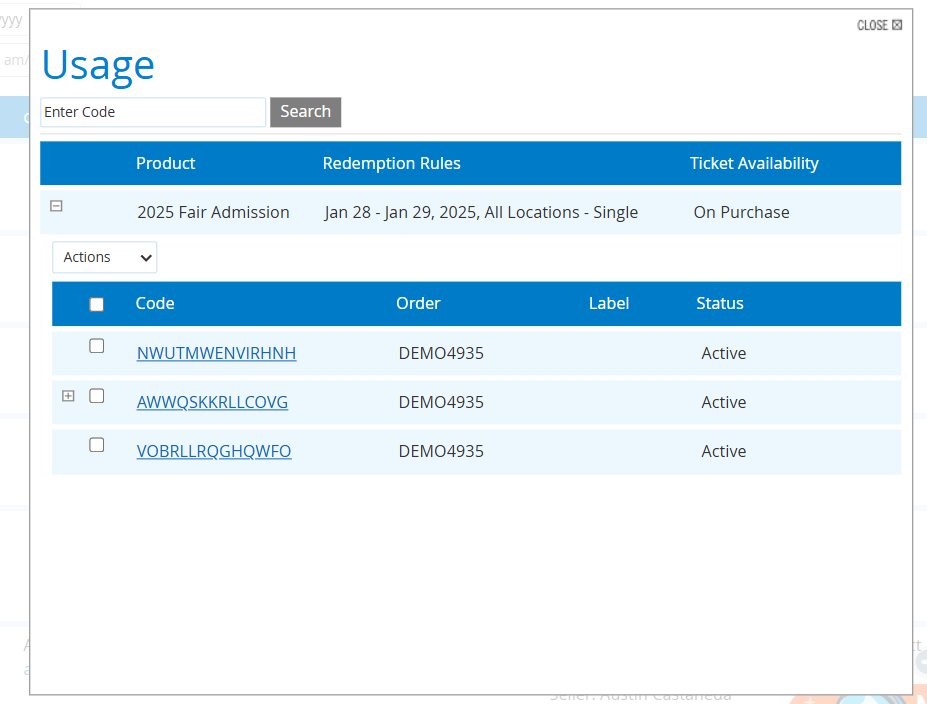
If you don't have a printed ticket but you know the order number, you can find the ticket code(s) associated with the order in Order Lookup (Commerce > Order Lookup) or the Purchases Report (Commerce > Reports > Purchases). Hover over the order ID, then select Tickets > Usage.
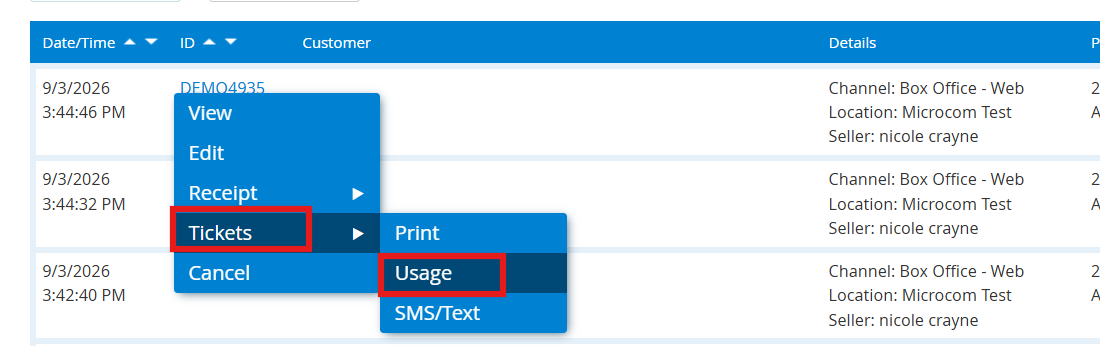
This will show you all of the ticket codes associated with the order. Any tickets that have a scan history will have a small plus sign that you can select to open a dropdown with scan information. With this information, you don't need to go back to the Order Lookup tool as the same information is provided here.
Hovering over View Reason on a failed scan will show you the fail reason.