
Onboarding Essentials
IN THIS ARTICLE
We're excited to be partnering with you & your team! Over the next few months we'll be working closely with you to ensure you learn all the features and benefits of the Saffire website platform.
There's a lot to know, but with help from your Client Experience Manager and the rest of the Saffire team, we're positive you'll be confident when using the tools & functionality available within our software.
This article covers several things you'll need to know right away...
Timeline
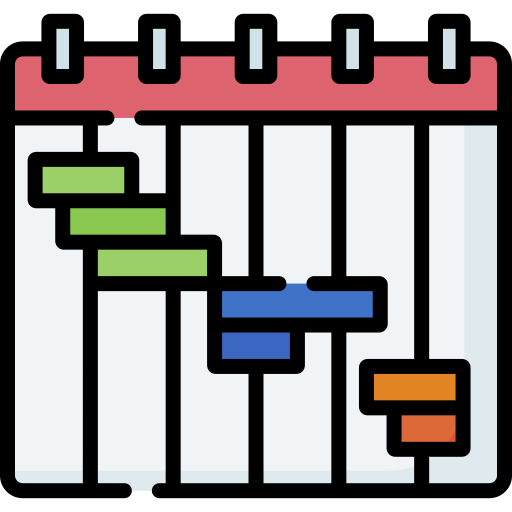
Getting started with a new website project is always exciting... and a little intimidating. But there's no need to stress - the Saffire team follows a time-tested process to guide you from dream to reality. Here's what to expect...
- We start with a conversation to determine the optimal layout for your site, then follow that by meeting with our creative team to talk about the visual design elements.
- The creative team will have a mockup ready in about two weeks. In the mean time we'll provide a 'starter' site where you can begin learning how to use Spark, the admin side of your Saffire site.
- Your Client Experience Manager will kick off weekly meetings with you to answer any questions concerning SaffireU, our self-paced training tool.
- Roughly two weeks in, we'll present a design mockup and work with you through a couple of revisions (if needed) to refine the design and get your approval.
- Once approved, the design moves to our theme production queue. Development will take roughly four weeks
- While the site design is in production, you'll be migrating content to the 'starter' site with the goal of completing everything by the time your theme is applied.
- That takes us to the final audit of your new site. Your team and ours will check the theme and content to ensure everything is in place. Then, with your approval, it can go live!
The 'starter' site is much more than a training site... it will evolve into your new website! First you learn how to manage the software - then you add your content - finally, we apply the finished design and launch the new site!
Layout Ideas
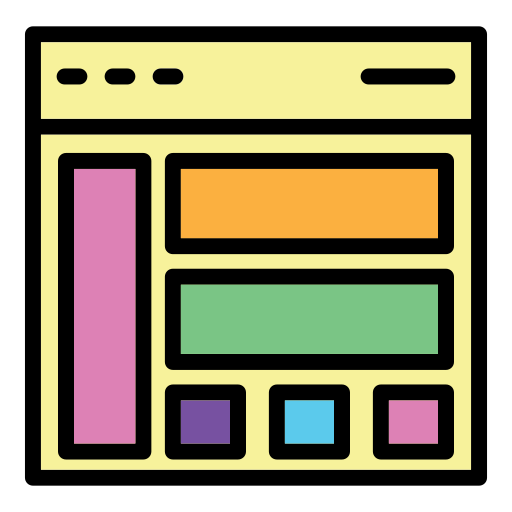
The first step of our project is determining the types of content which need to appear on your homepage. This can include slideshows, news, events, social media, video, etc. And we do this before talking about your branding, colors, fonts, imagery, and so on. We want to ensure your site is built with the right tools to inform your visitors and the right structure to keep them on your site longer.
Take a look at our sample layouts to get some ideas. These are not meant to be seen as templates. You can mix & match content elements from any of the samples to create your unique layout. Also, the quantity and orientation of any content elements can also be adjusted to fit your needs. One more thing - you'll notice that there are dark and light versions of each sample layout which you can click on to see full screen previews.
It may sound like you have a lot to consider, but you don't need to have each position of your layout selected before we meet to go over things - we just want you to be familiar with the samples and prepped to discuss your ideas. With a little pre-planning, we'll have your layout locked down in short order and you'll be ready to meet with our creative team to talk about the visual design elements.
DNS

This is a key piece in launching your new site, so we bring it to your attention right from the get-go. To help you understand how important this is, here's some basic info:
The Domain Name System (DNS) is a network of directories on the internet that translate URLs - such as Wikipedia.com - into IP addresses. The IP (internet protocol) address is what web browsers use to locate every site. So, before your Saffire site can go live we need to update the DNS Name Servers for your domain.
There are two options for how we can handle this...
- You can provide us with direct access to your name servers. The necessary credentials we'll need include the URL of your name server account, username & password.
- OR, you can put us in touch with the person who manages your domain and they can make the changes we need. This is often an IT person who may be on your staff, or it could be with the company currently hosting your site.
One more thing: the name servers are often handled by the registrar of your domain... but not always. Because sites tend to change hosts from time to time, the name servers may have been separated from the registrar (for a variety of reasons). We can check where your domain is registered and which name servers are in use by searching for your domain on this site: https://www.whois.com/whois.
Google Analytics

Saffire includes Google Analytics (GA) code on your site to keep an eye on incoming traffic. It's far more than just a 'watchdog' - GA can be an incredibly valuable tool for analyzing who your customers are, where they're located, and how they use your site.
If you have an existing GA account we'll use the same code - you'll just need to add Saffire as an admin to ensure the proper setup. Here's what we need:
Please add saffirestats@gmail.com as an administrator to the Account or Property level of your Google Analytics. This will allow Saffire to pull data into Spark and schedule reports for you. Please Check Manage Users, Edit, Collaborate and Read & Analyze so that we can setup filters.
If we're building an all-new site for you or if you haven't been using GA on your existing site, we'll create a new account for you and set you up as an admin. If you're unfamiliar with GA, here are a couple of articles which might interest you (these are not affiliated with or endorsed by Saffire):
Beginner's guide to Google Analytics
Payment Gateway

If you're planning to sell anything directly from your new website, a Saffire compatible online payment gateway is essential. It's required for processing any type of ecommerce transactions, whether for paid registrations or selling anything from t-shirts to tickets.
Please review our list of Compatible Gateways to see if you're already using one supported by our platform, or to compare and decide which gateway works best for your organization. Then work with your Client Experience Manager to initiate the setup.