
Clover authorization in Spark
Spark location: Tools > Quick Links > Clover Authorization
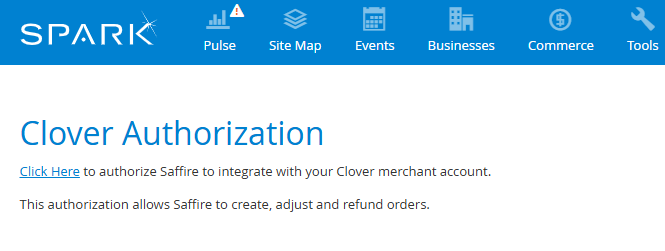
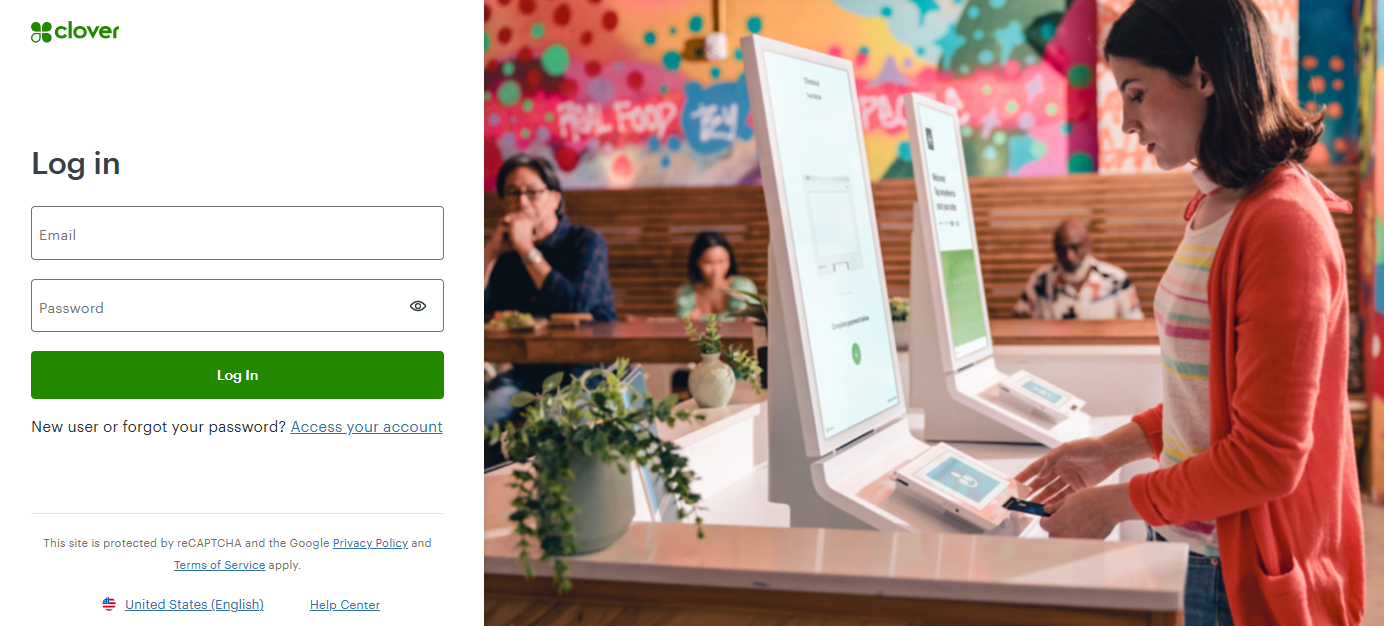
The Click Here link takes you to the Clover login page:
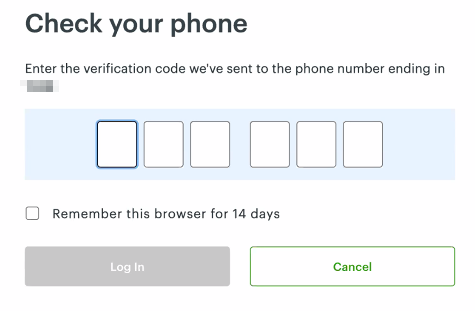
Your login will send a verification code to the phone number associated with your Clover account:
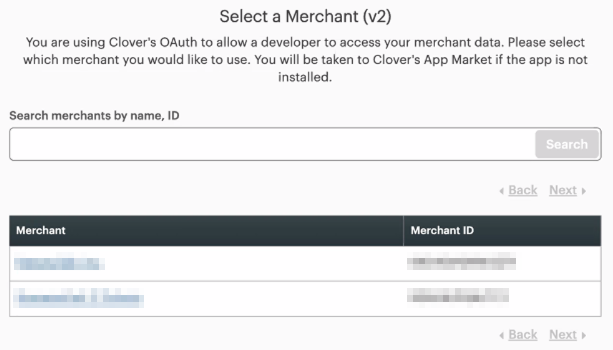
Once you're logged in, you'll be able to select the appropriate merchant account:
Once selected and connected, the screen will return to the Clover Authorization screen in Spark, showing that the account is connected:
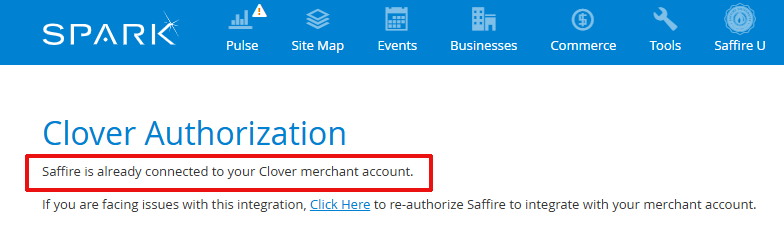
If you don't see the screen shown above, please try the authorization steps again.
After completing the process, please notify your Saffire account manager so that we can run a test transaction. Thanks for your help!